Get started: account and machine
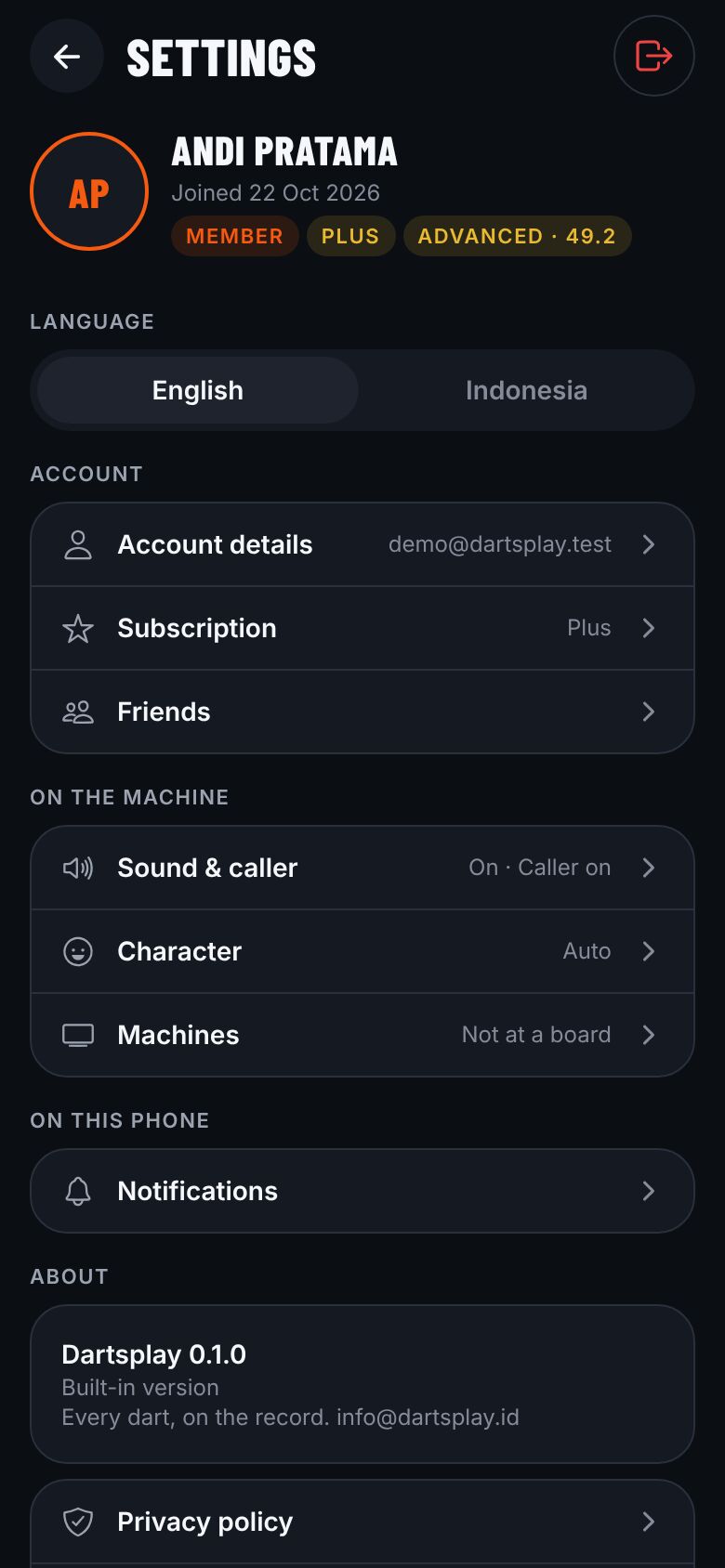
- Download the Dartsplay app, then Create account with your email or Continue with Google. Confirm your email with the link we send; until then you cannot enter tournaments.
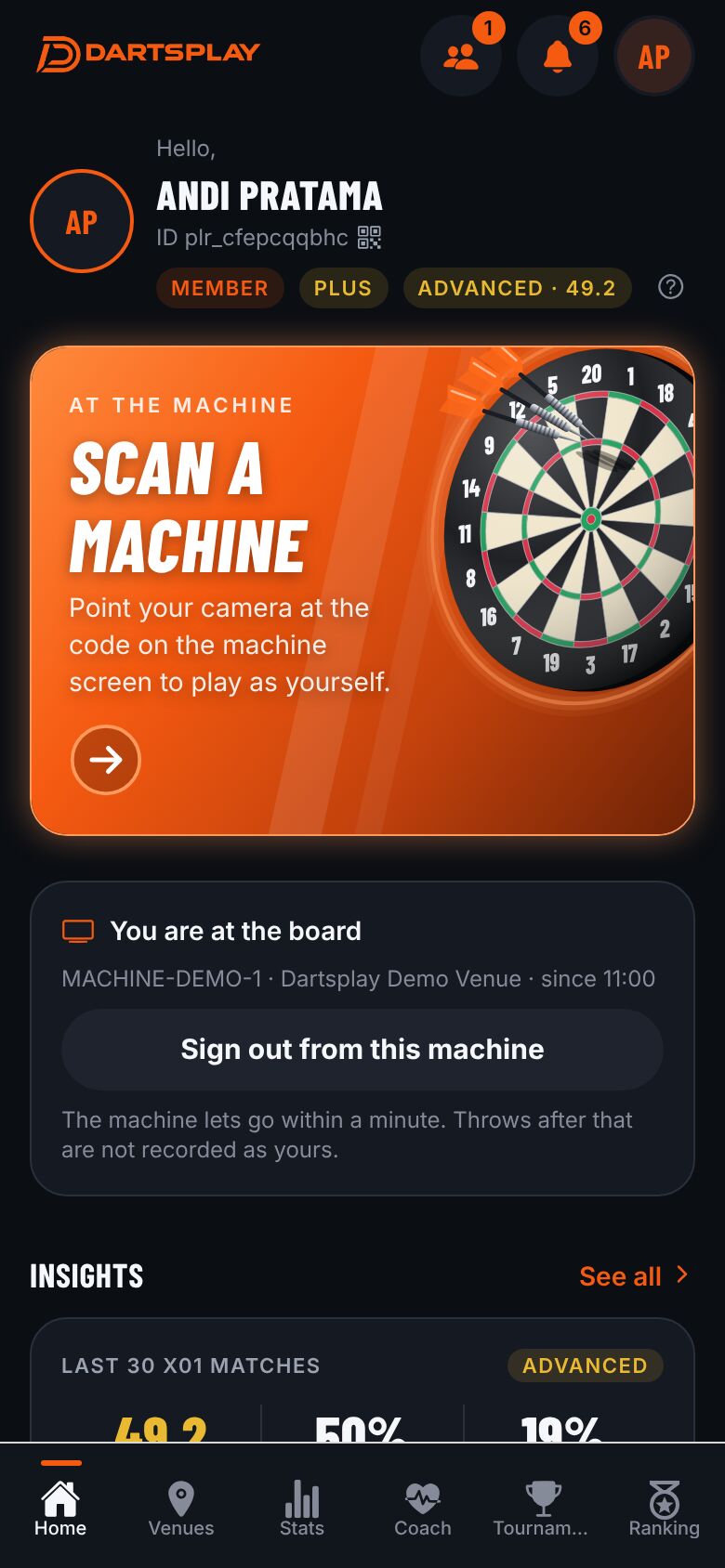
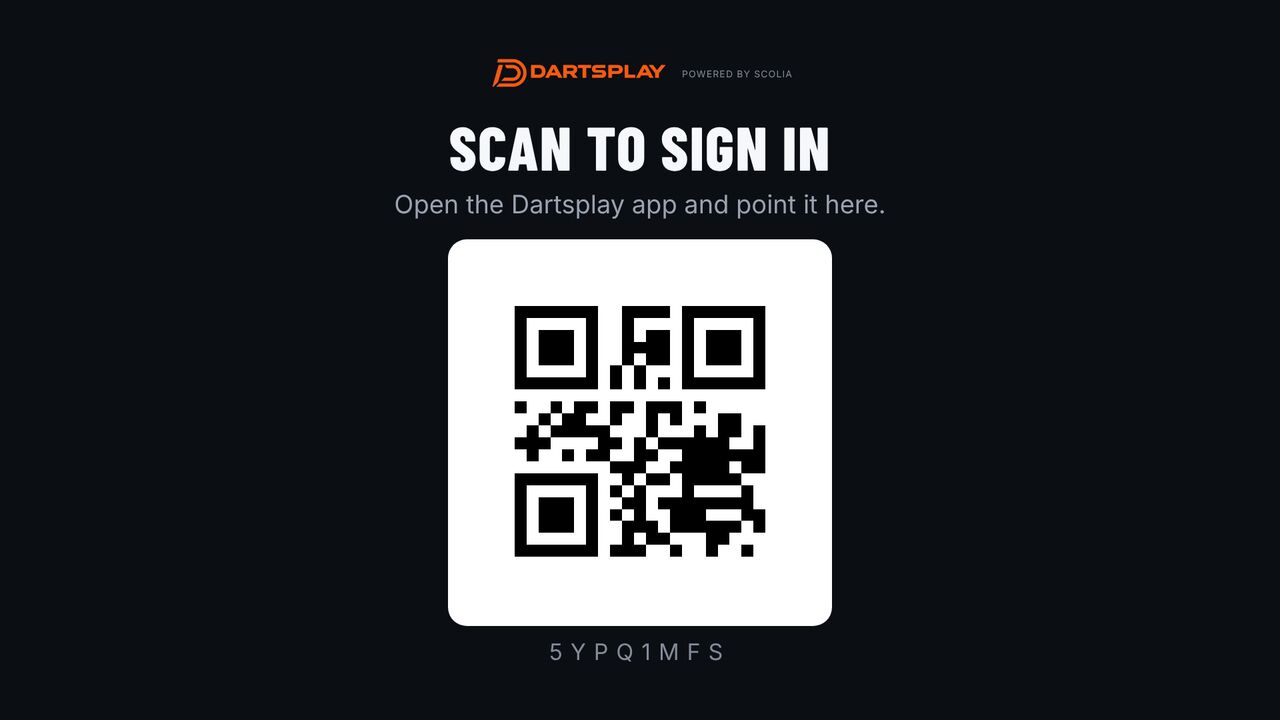
- At a Dartsplay machine, the screen shows a QR code. In the app tap Scan a machine and point the camera at it. Camera not working? Tap Type the code instead and type the 8 letters under the QR code.
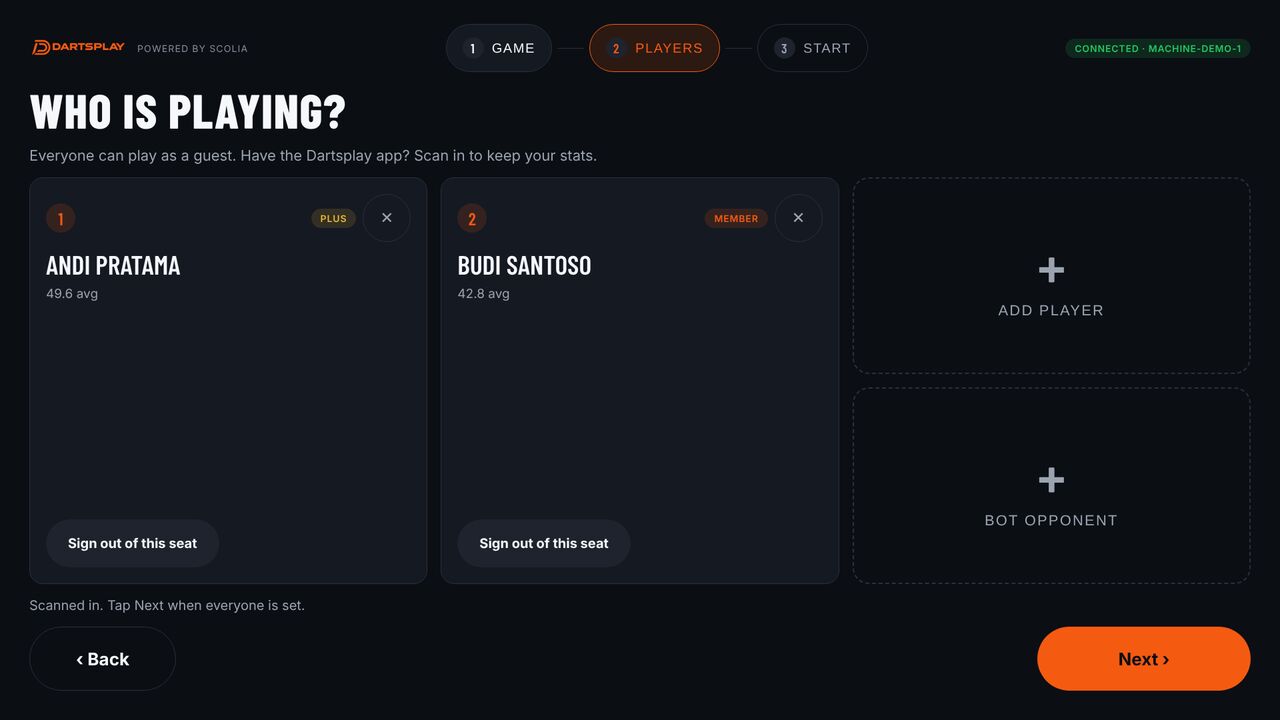
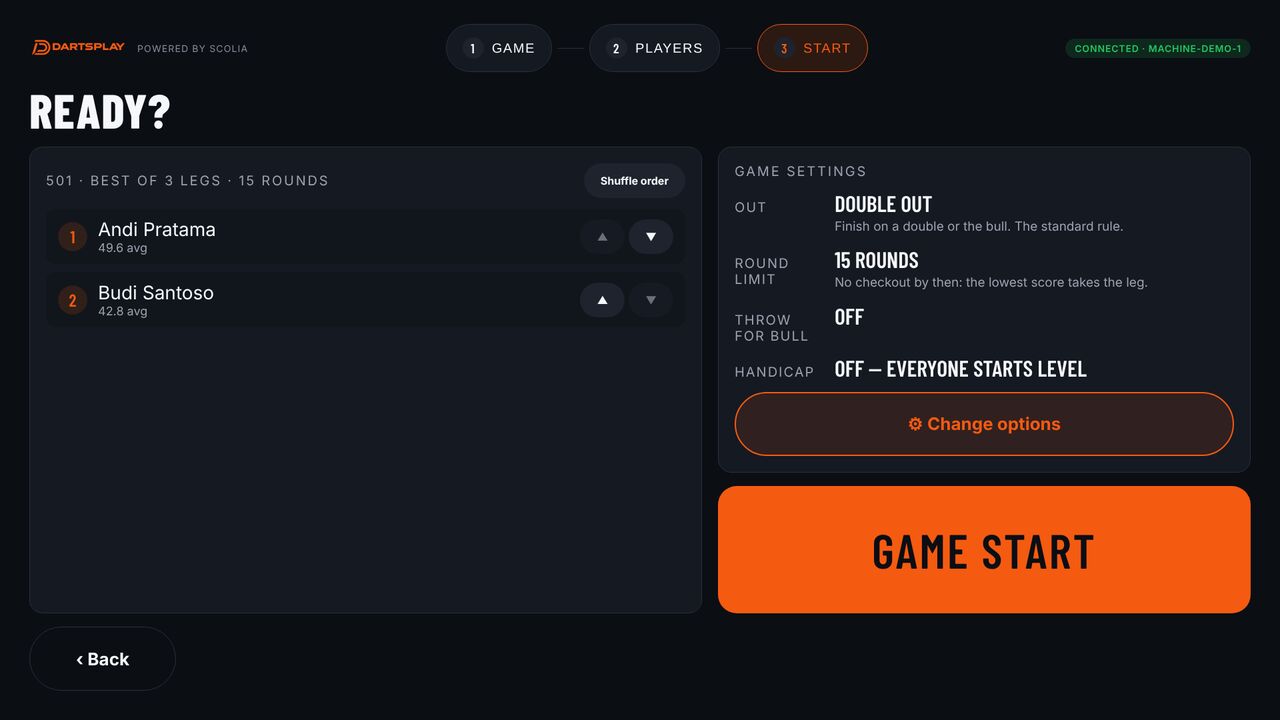
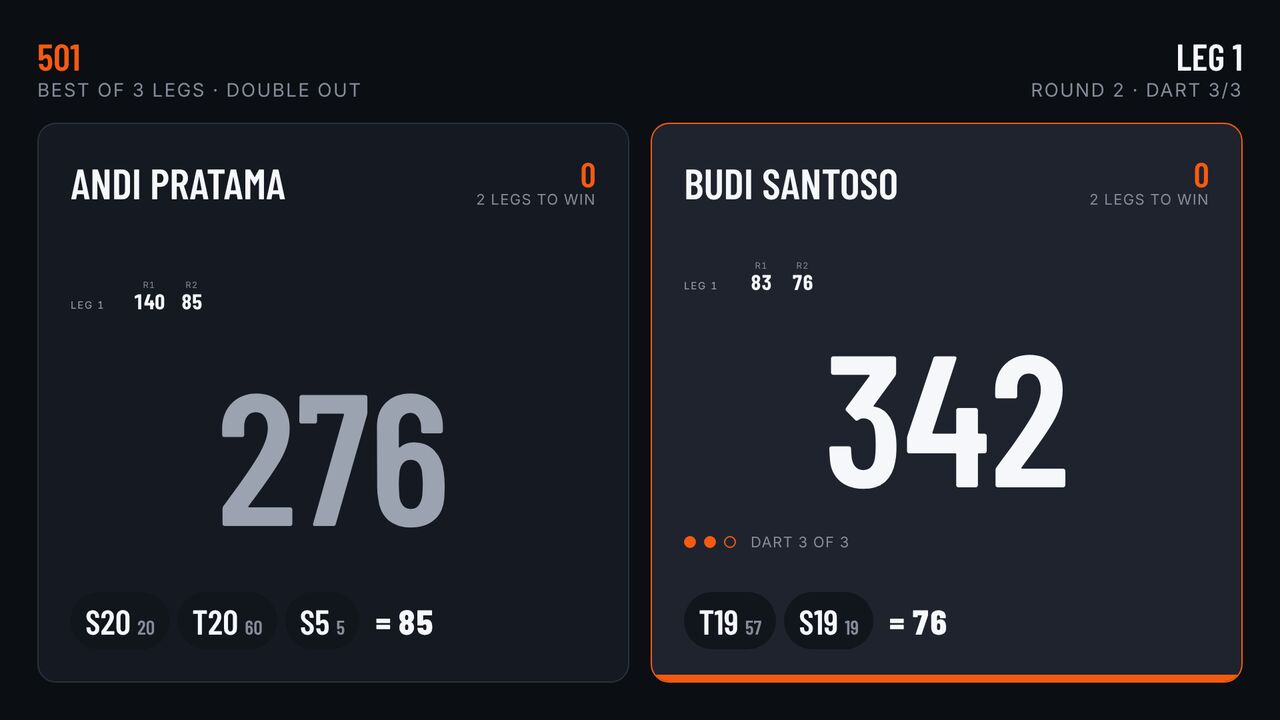
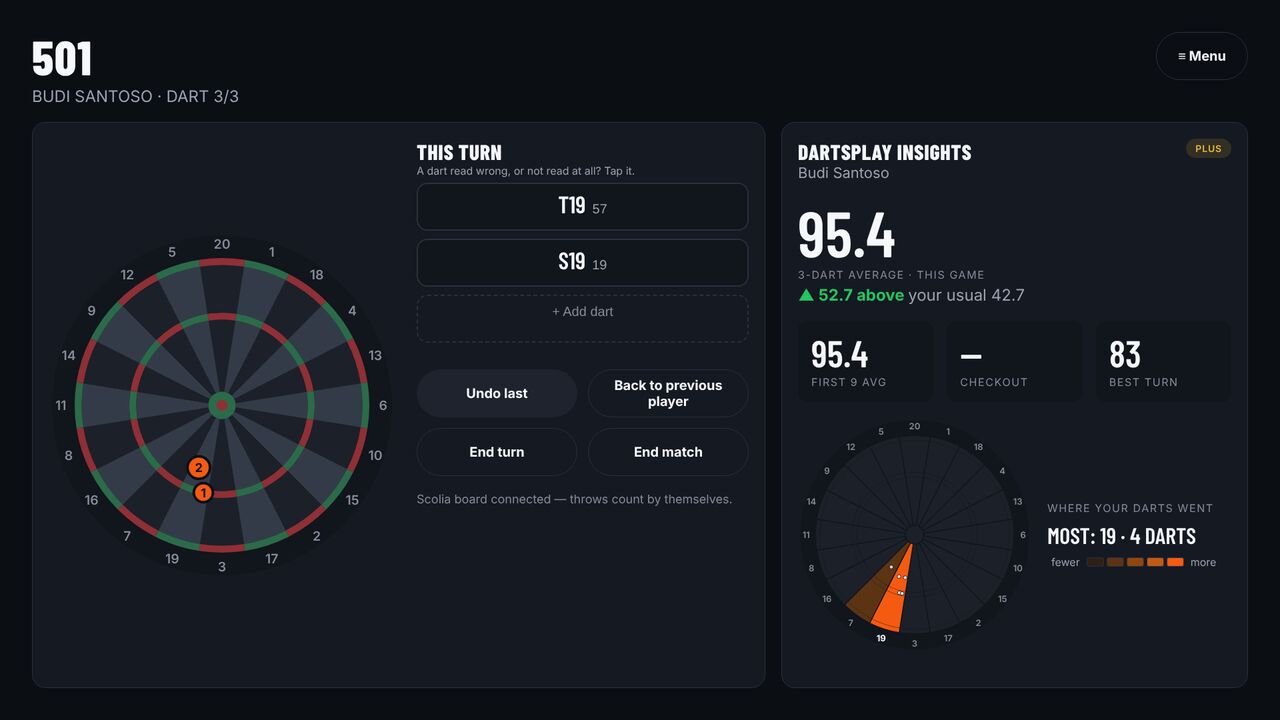
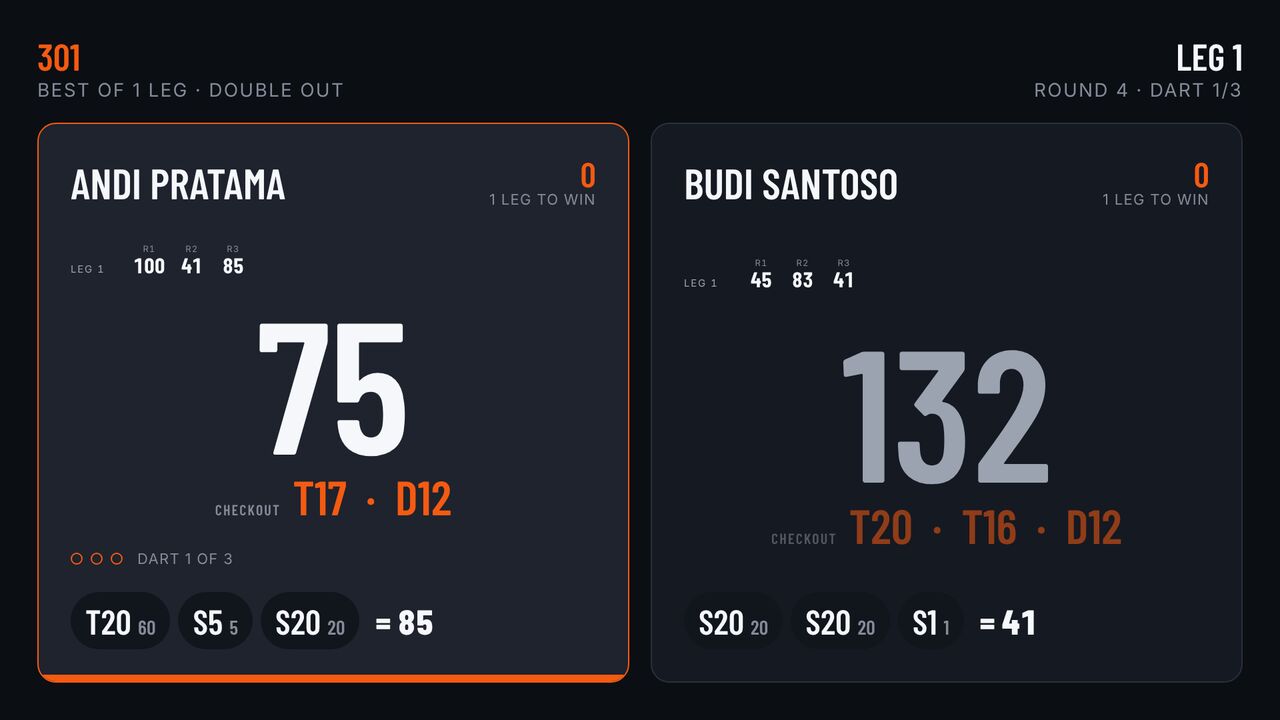
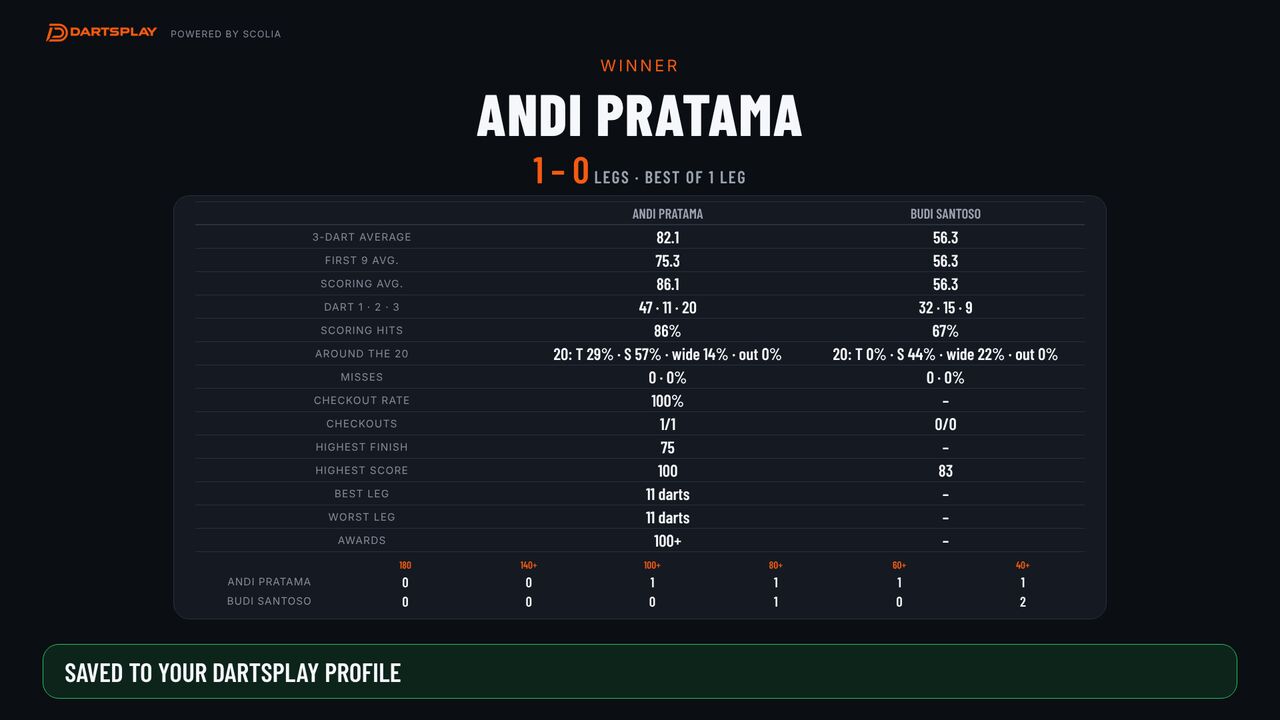
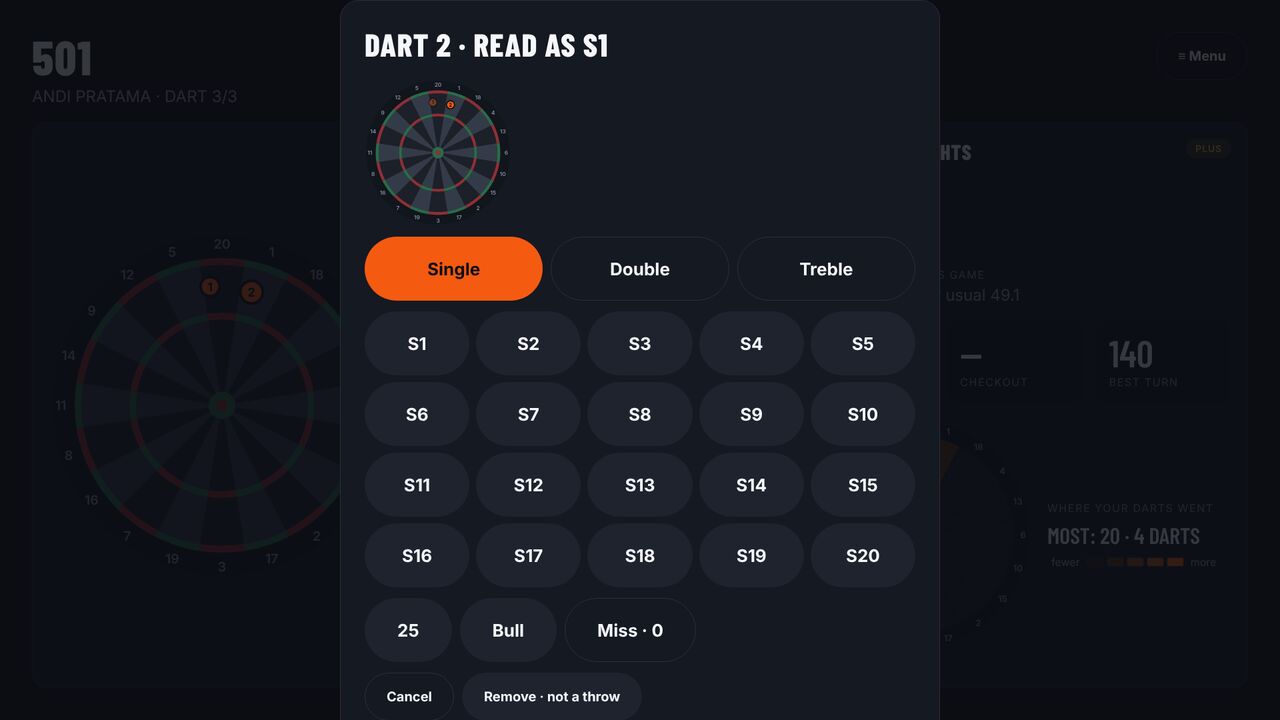
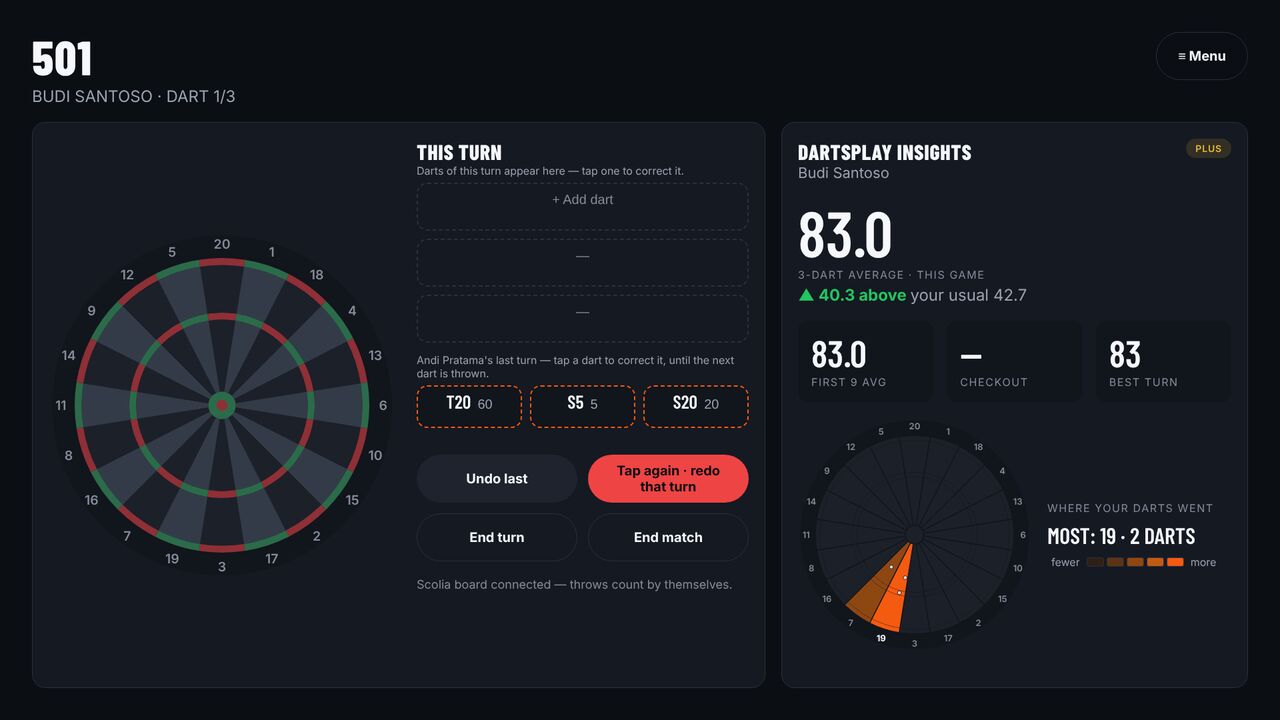
- Your name appears on the machine, and Home says You are at the board. Every dart you throw is now recorded under your name.
- When you are done, tap Sign out from this machine. Forgot? The machine signs you out when you leave, after 8 hours at most.
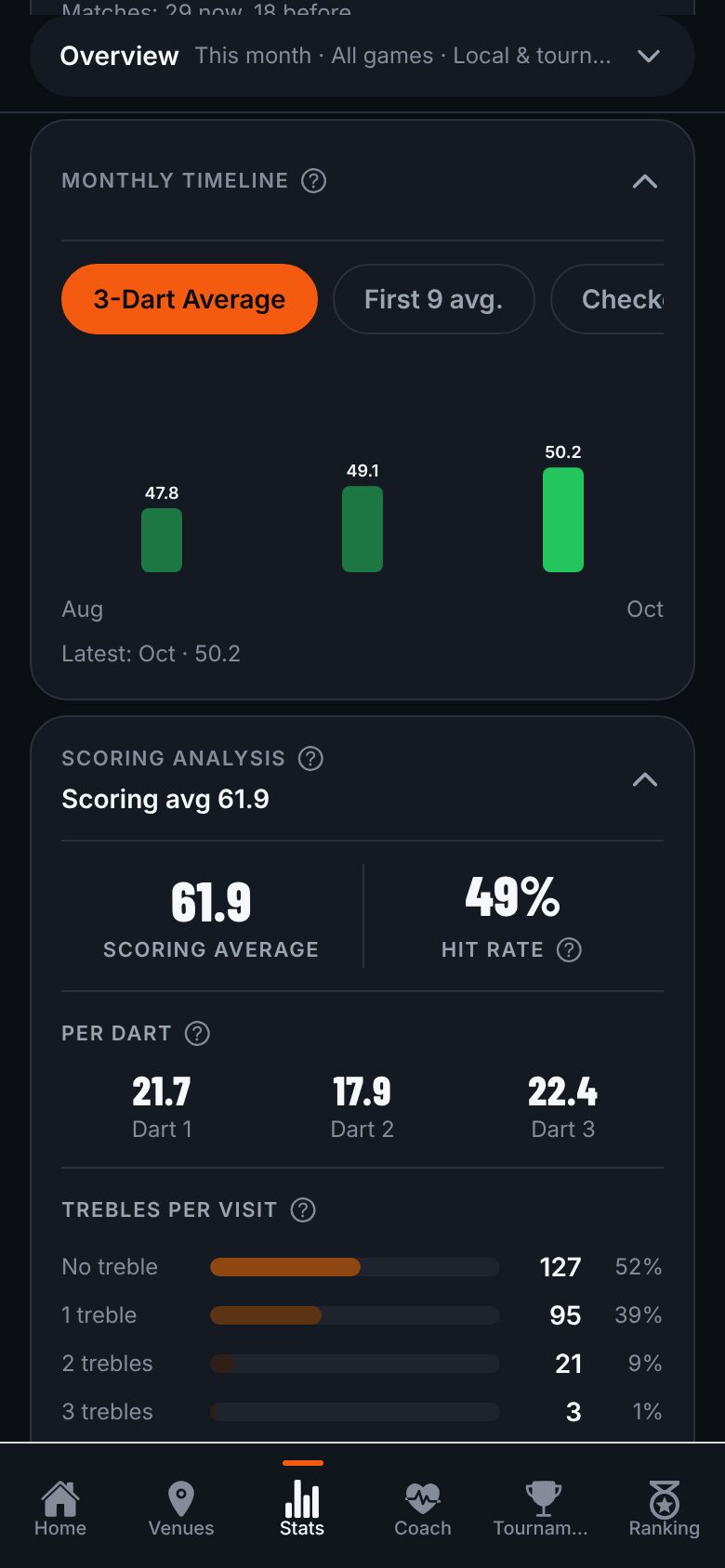
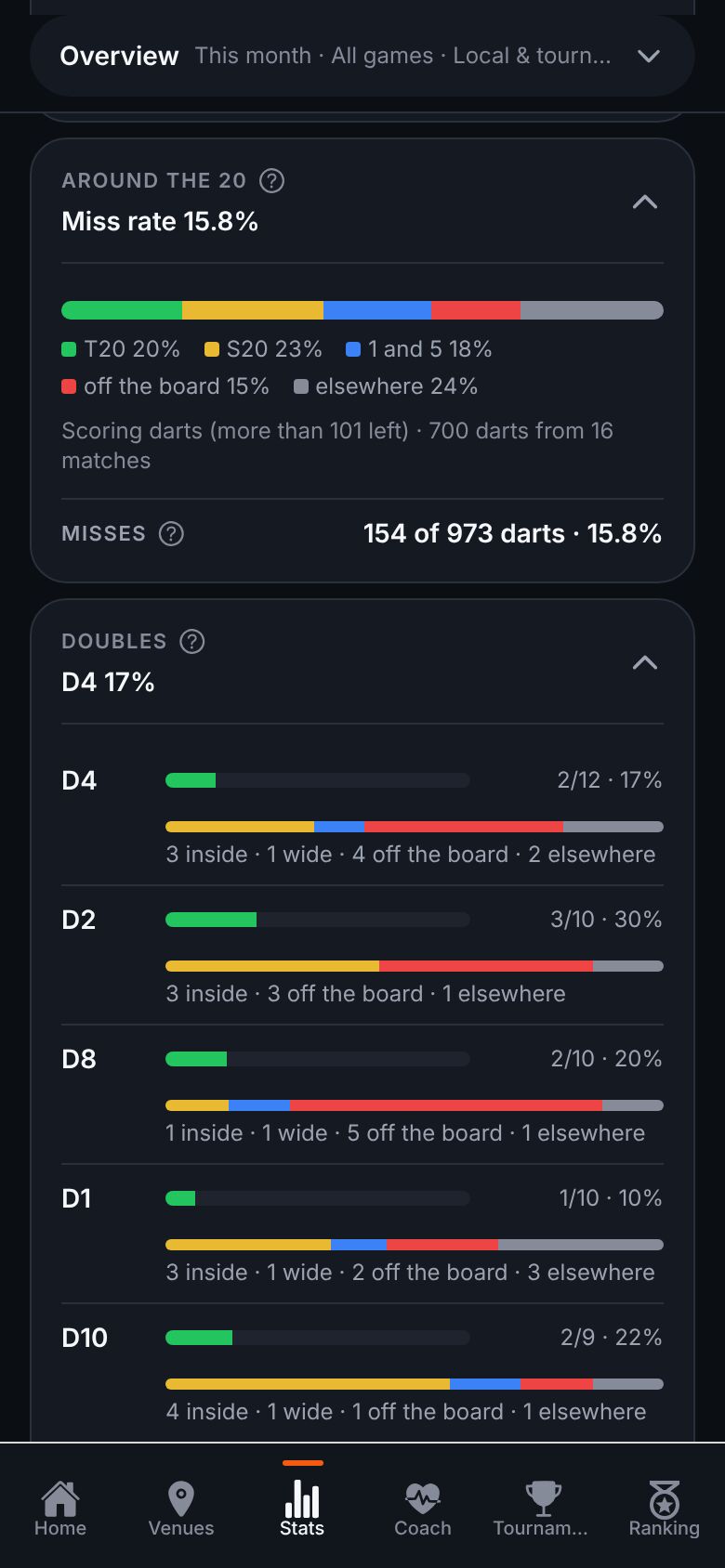
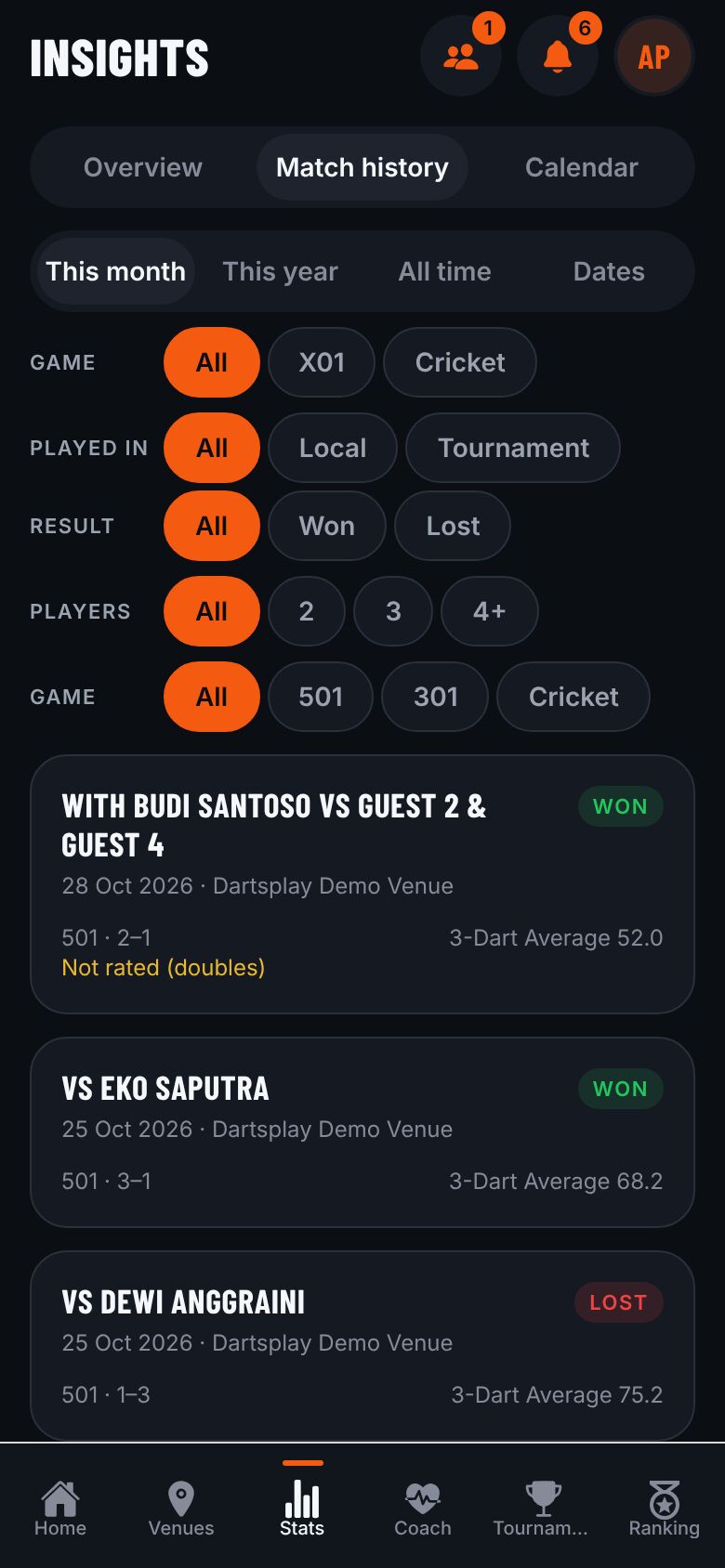
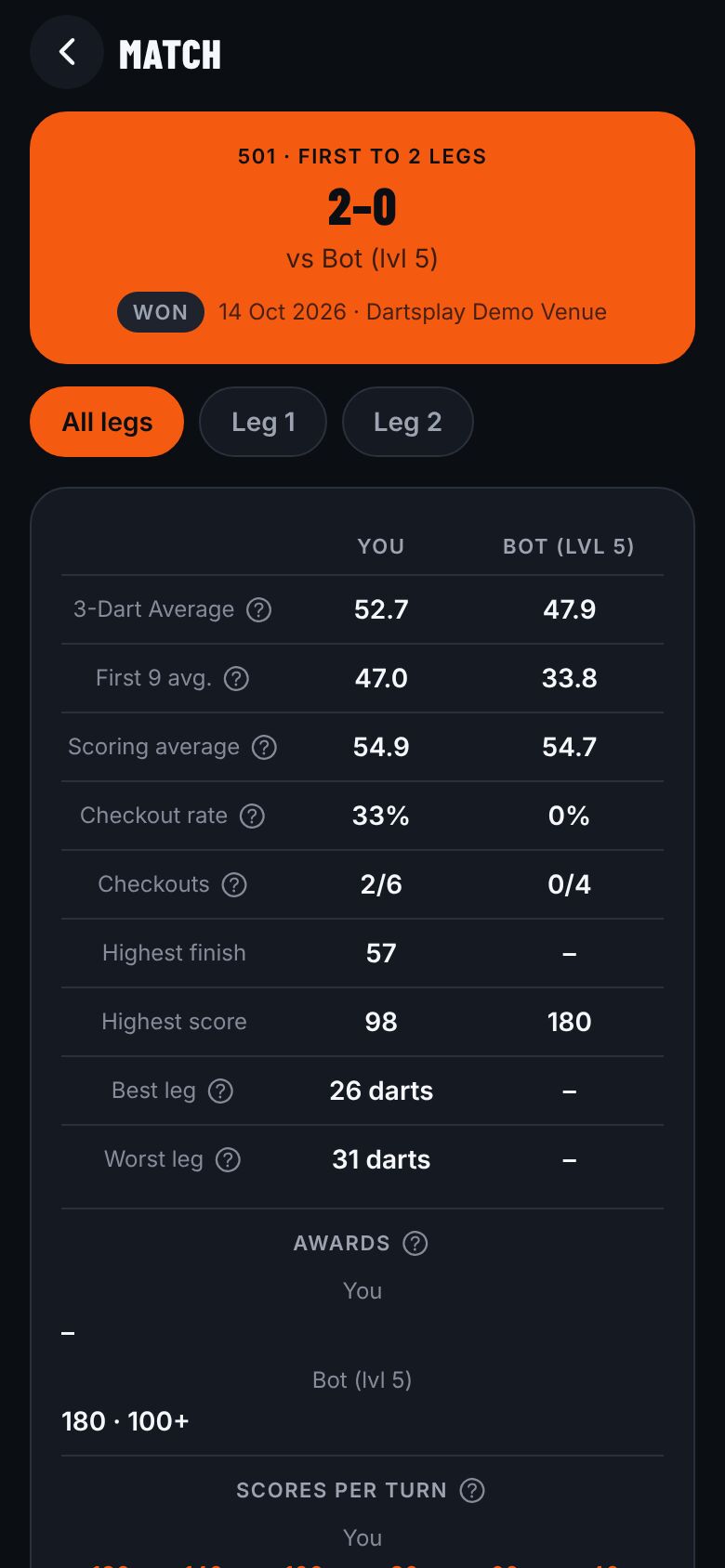
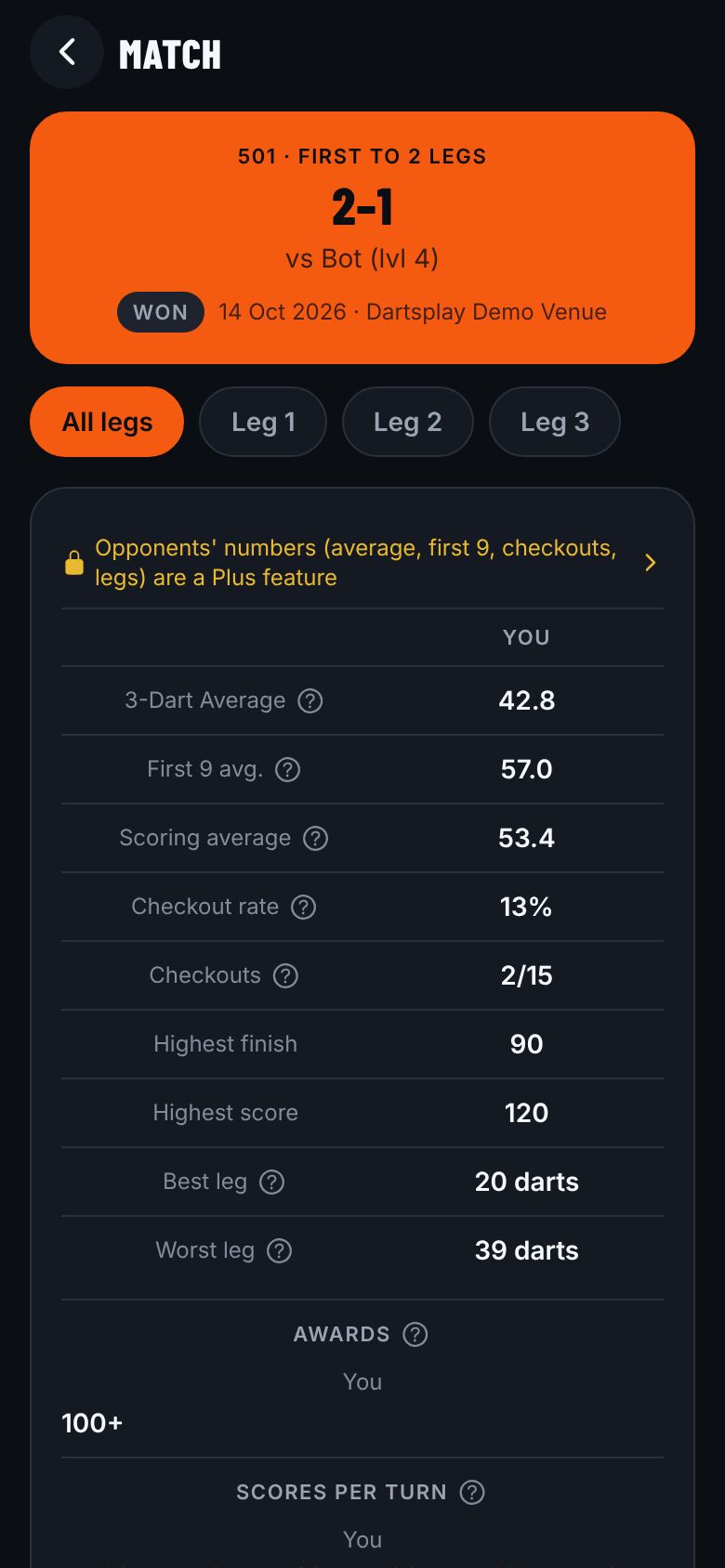
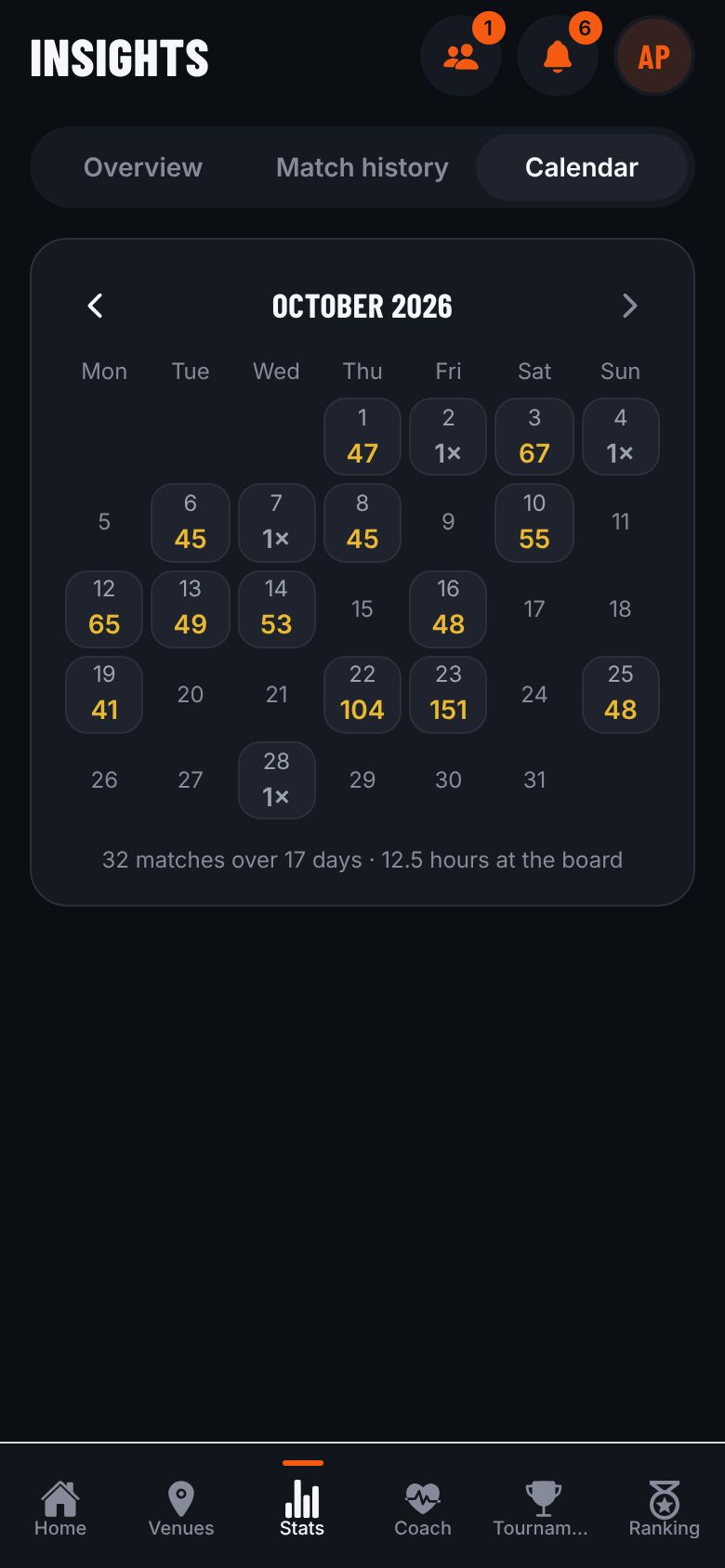
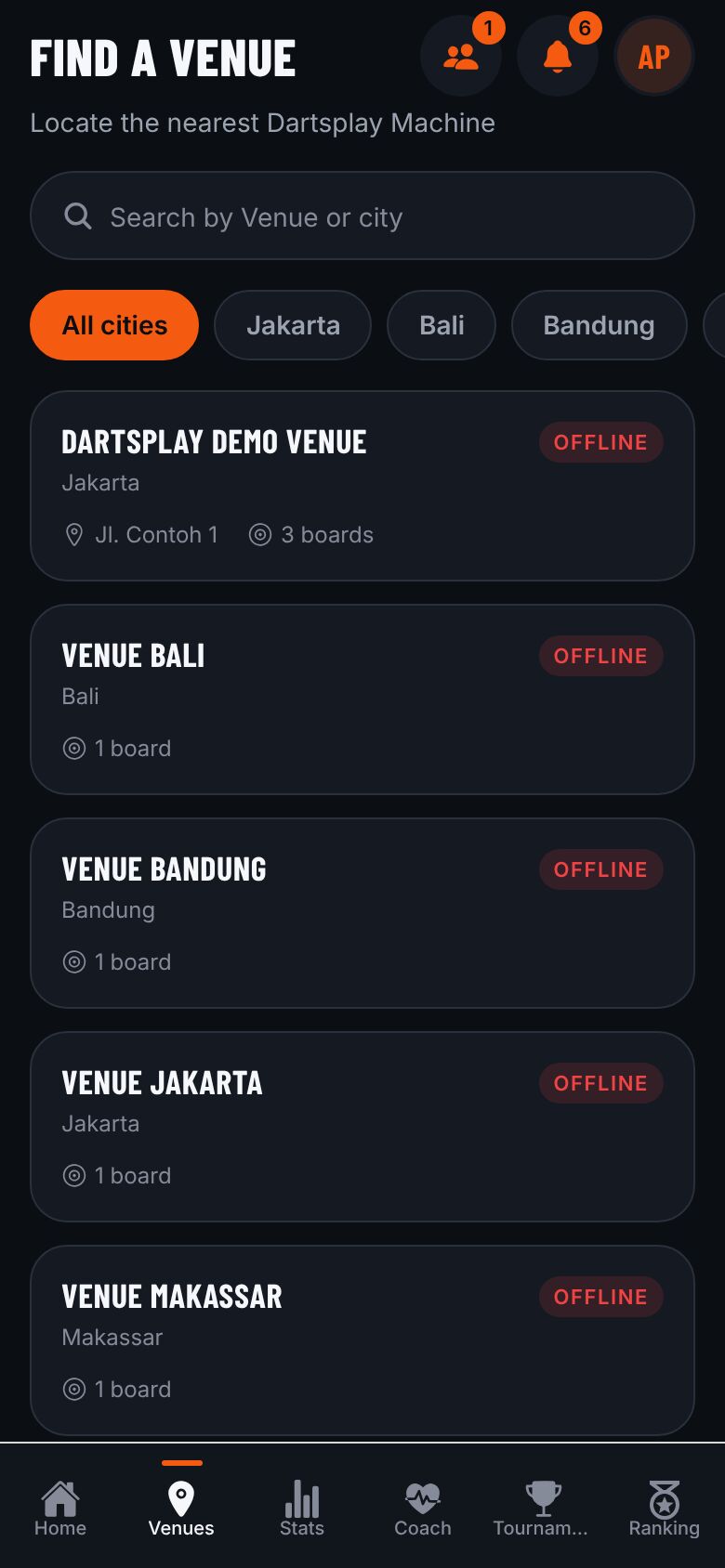
One QR scan, and every dart is recorded. At any Venue.